

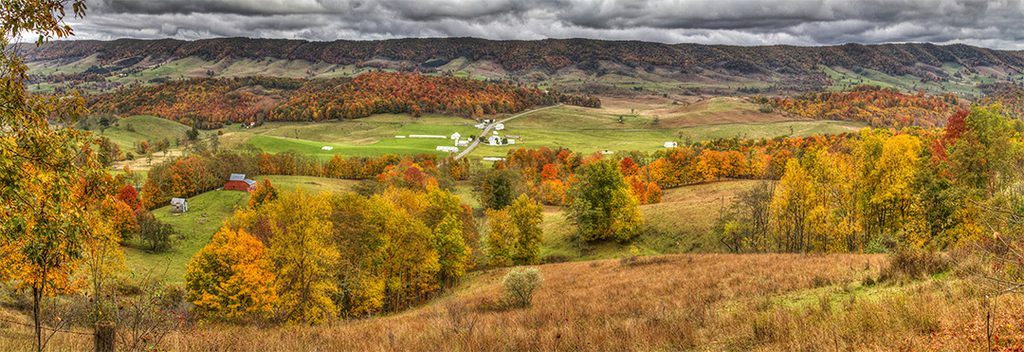
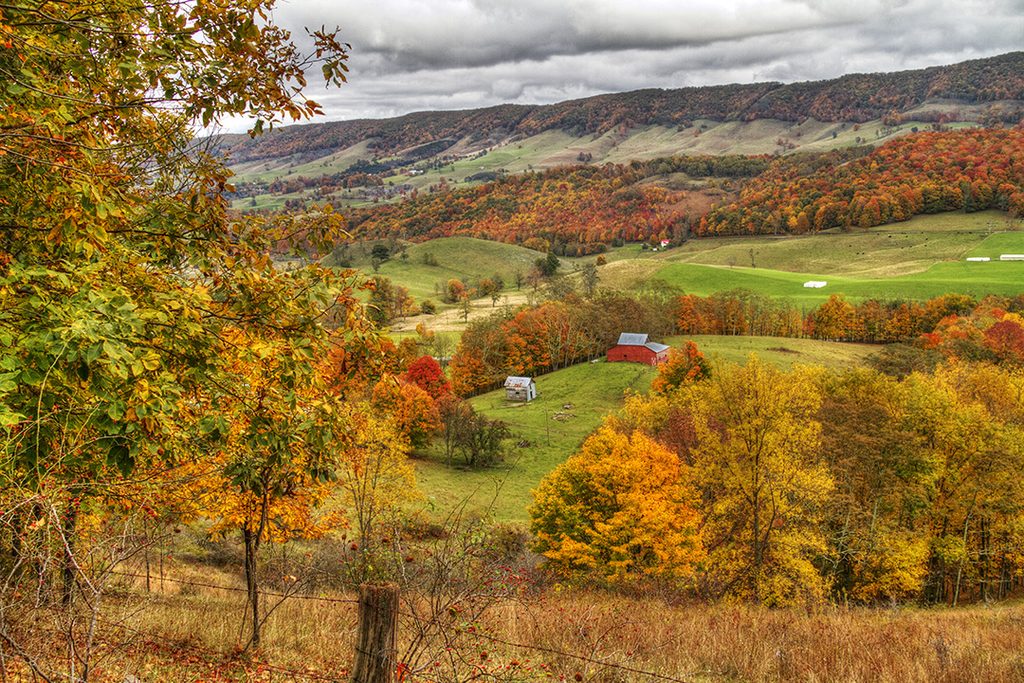
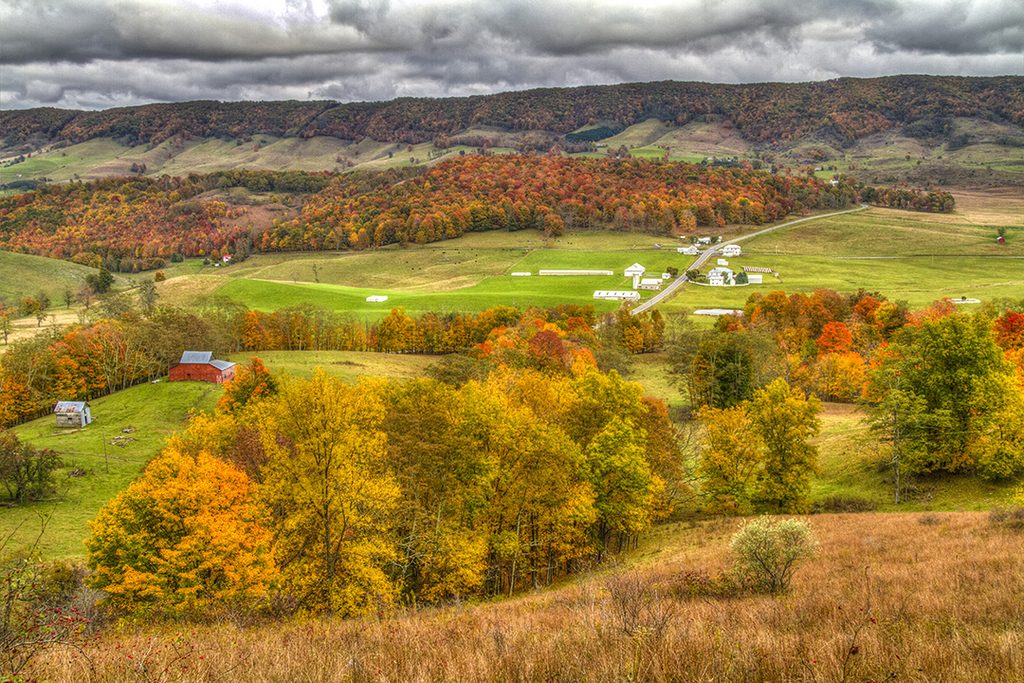
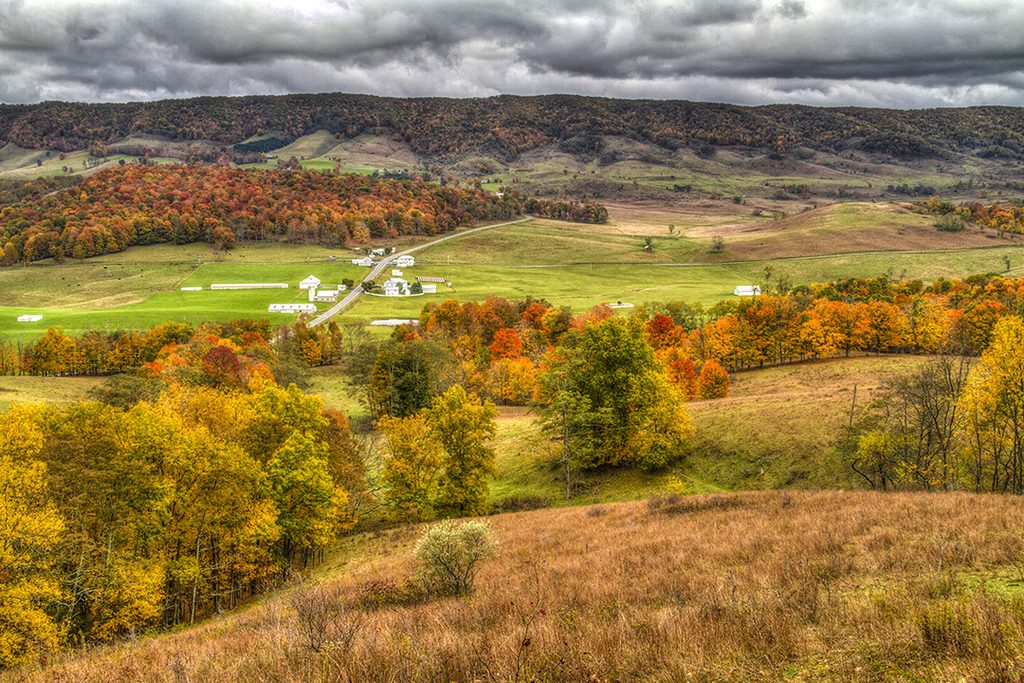
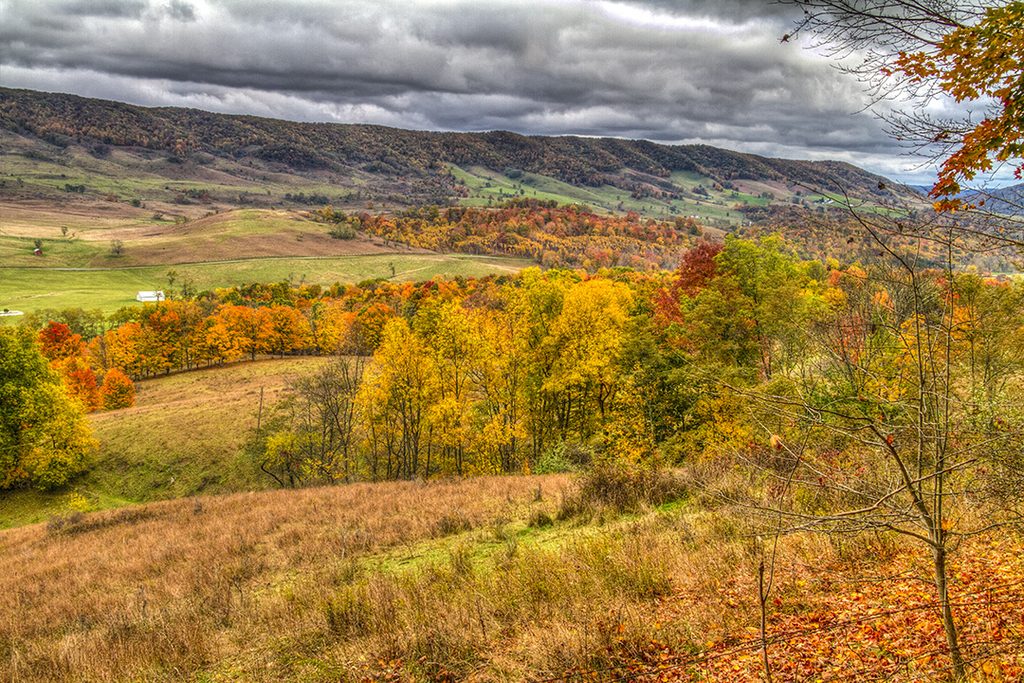
- At the center of your composition, level both the tripod and the camera. If using a zoom, choose focal length.
- Set the white balance to a manual setting (not AWB), and also use manual exposure settings.
- Begin taking photos, starting at one end.
- For each additional photograph, overlap 30%-50%.
- Consider shooting three exposures (0, +2, -2) per composition, and turn them into high dynamic range photos.
We use Photoshop. Under the “File” tab, go down to “Automate” and choose “Photomerge.” Click on “Browse” and then select the photos that will make up your final panorama. Click “OK.” After several minutes the processing will complete. When the finished photo pops up, you will need to crop the picture for straight edges. For this panorama, we chose to warp the picture to raise the ends of the mountain range, for less arch.